Now shipping: AI Copilot v2

Stream and automate any Windows UI, instantly.

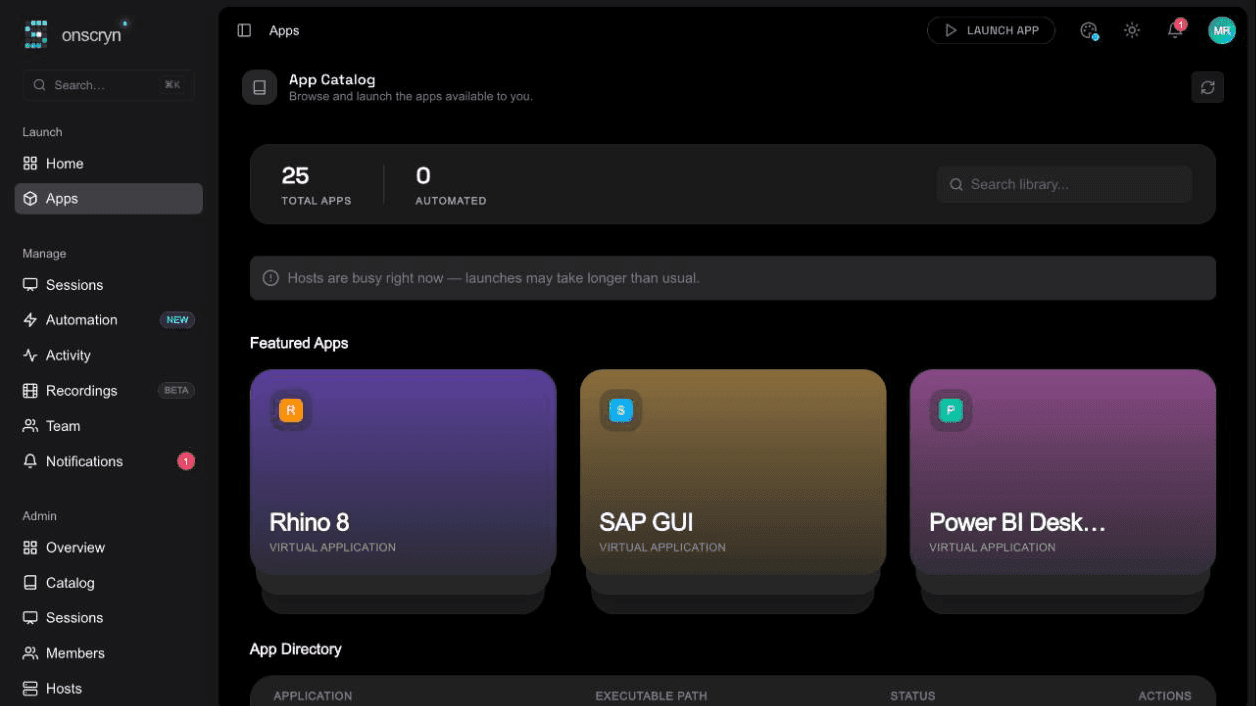
Onscryn is a zero-client streaming layer for Windows apps and desktops — no VPN, no installer, no RDP gateway. Bring an AI Copilot and a visual workflow builder to click, script, and automate the live UI tree.

app.onscryn.com/s/8f3ad1
ClaimsDesk.exe — Streaming
// Claim #48213 — Auto Property
const claim = fetchClaim("48213")
status: "pending_review"
reserve: "$8,240.00"
document viewer
How it works

Three primitives. One live session.

Every session is built on the same three primitives — stream the app, bring people in, then let code or the Copilot take over.

01

Stream

Low-latency, pixel-perfect delivery of any Windows app or full desktop straight into a browser tab. No client, no VPN, no RDP plugin — the app just appears.

02

Collaborate

Invite teammates into the same live session with shared cursor control. Pair on a legacy tool, walk a teammate through a workflow, or hand off control mid-session.

03

Automate

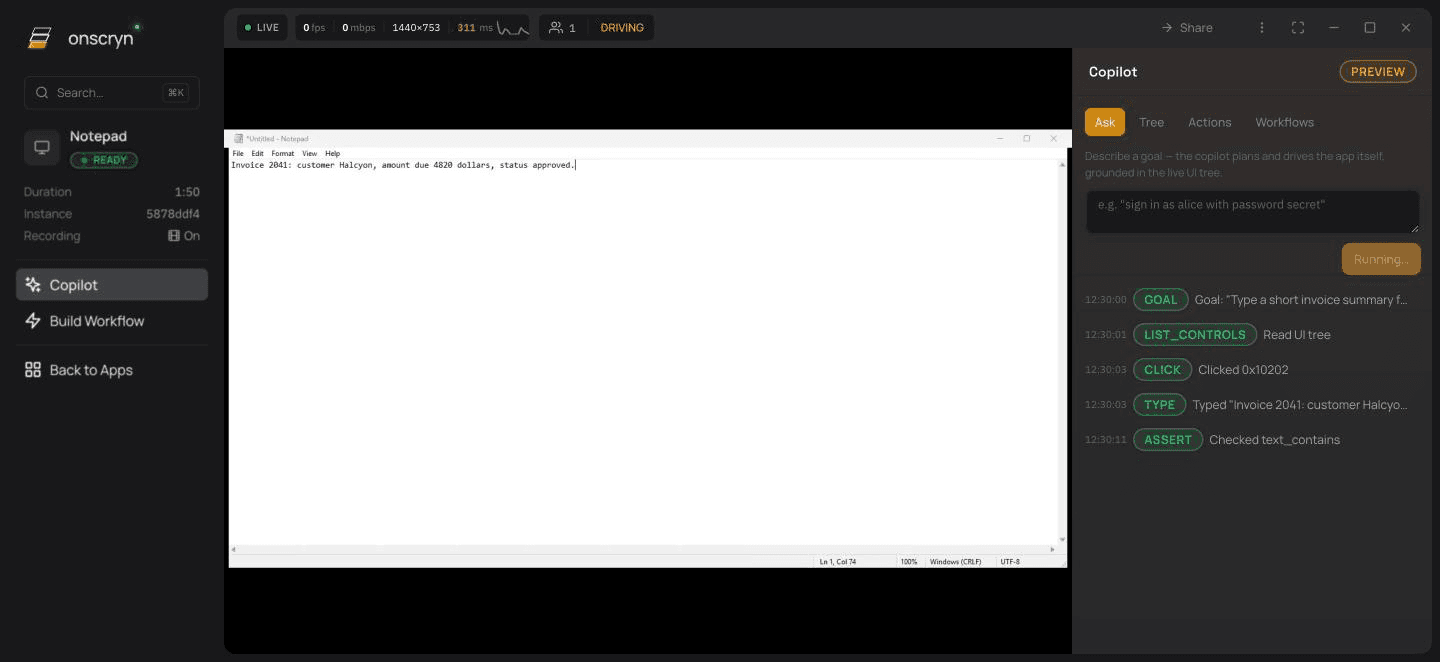
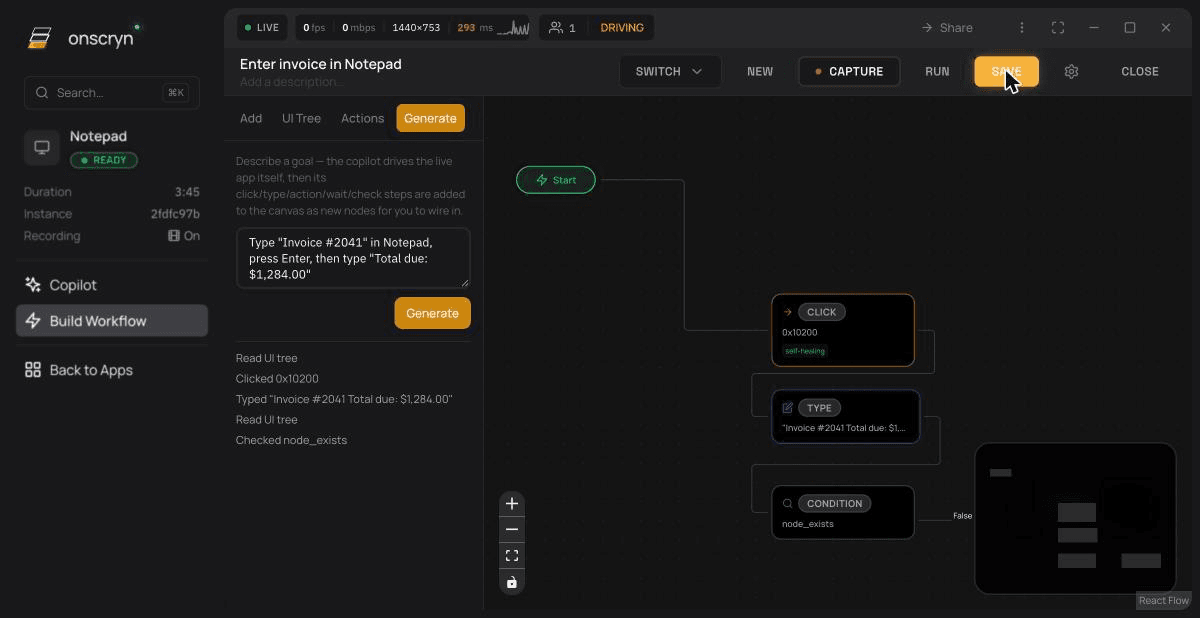
Click any element in the live UI tree to build a drag-and-drop automation, or hand the wheel to the AI Copilot and describe the task in plain English.

Built for developers

A session is just an object in your code.

Spin up a streamed Windows session from a single SDK call, hand it to the AI Copilot, or drive it directly against the live UI tree — no screen-scraping, no brittle image matching.

  • Python & JavaScript SDKs with first-class async support
  • Programmatic access to the live UI tree — find, click, read, type
  • Webhooks and events for every session lifecycle transition
  • Scoped API keys and short-lived session tokens by default
Explore the SDK reference
onscryn-sdk
1"text-[#c084fc]">from onscryn "text-[#c084fc]">import Session
2
3session = Session.start(
4 app="quickbooks.exe",
5 region="us-east",
6)
7
8"text-ink-muted/70"># Ask the AI Copilot to drive the UI
9session.copilot.run(
10 "Open the March invoice and export it as PDF"
11)
12
13"text-ink-muted/70"># Or script the UI tree directly
14node = session.ui.find(role="button", name="Export")
15node.click()
16
17"text-[#c084fc]">print(session.share_url)
18"text-ink-muted/70"># -> https:"text-ink-muted/70">//app.onscryn.com/s/8f3ad1
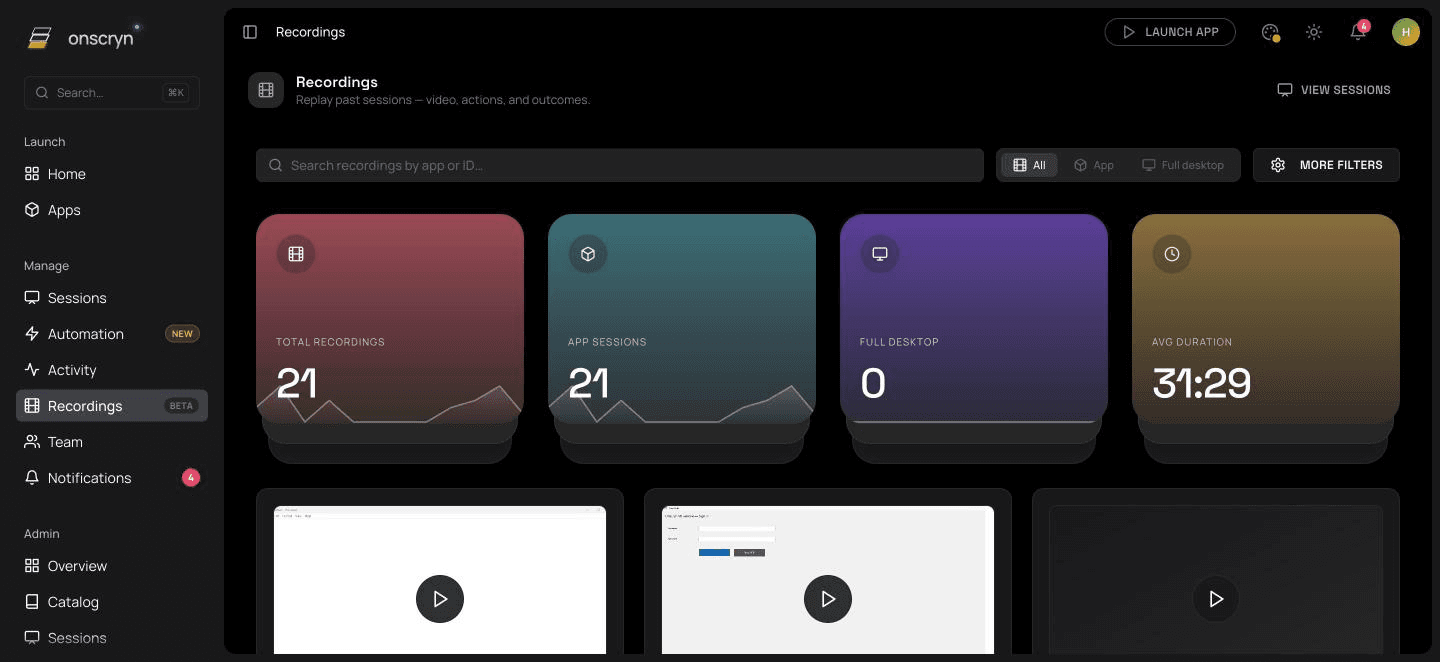
Session Replay — #8f3ad114m 02s
100%
Sessions recorded by default
4.2s
Avg. time-to-first-click
12
Friction points auto-flagged
Recording & analytics

Every session records itself.

Full-fidelity replay of every session, plus friction metrics captured natively — hesitation, repeated clicks, dead-end paths — so you know exactly where a workflow or an automation breaks, without watching the whole thing back.

Full session recording, on by default
Automatic friction & hesitation detection
Shareable replay links for teammates

Trusted by developers shipping Windows automation into production — from indie RPA tooling to internal ops platforms at growing startups.

<150ms
Median input latency
99.9%
Streaming uptime
0
Client installs required

Questions developers ask first

Any Windows application or a full desktop — from a single .exe up to an entire session — rendered server-side and streamed to the browser as a low-latency pixel feed. Nothing about the app needs to change; if it runs on Windows, it streams as-is.

⚡ Instant Enterprise Deployment

Ship your first automation before your coffee gets cold.

Free to start — no credit card, no VPN setup, no installer.