Features/Recording & replayBeta
Every session,
replayable
Record sessions and play them back frame for frame, for audit, training and incident review, including what the Copilot or a workflow did on someone's behalf.
 Rec00:00:00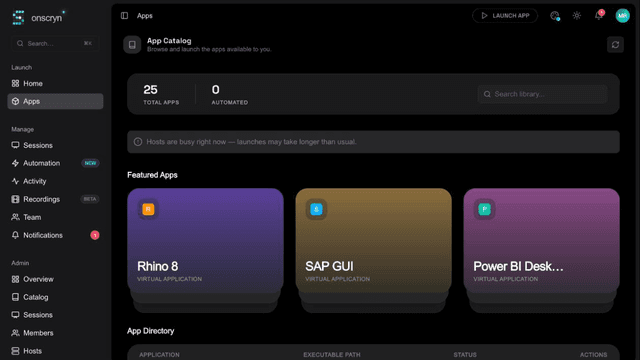
- 01
Turn it on
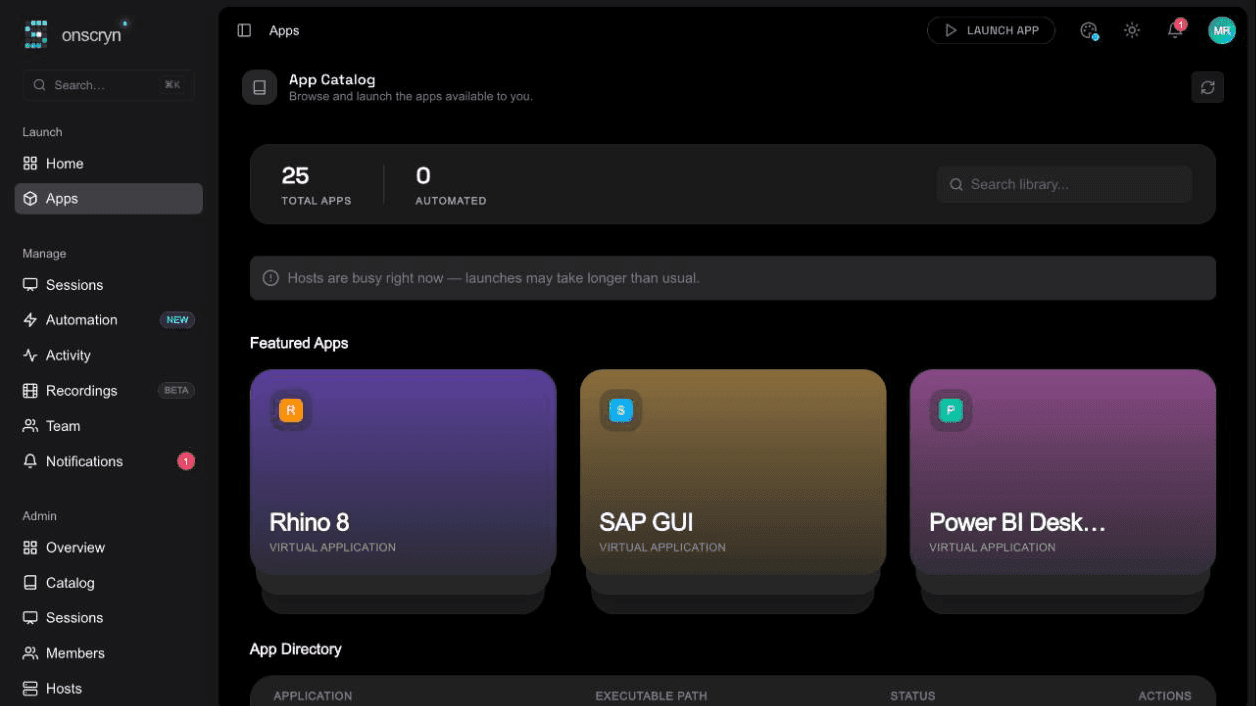
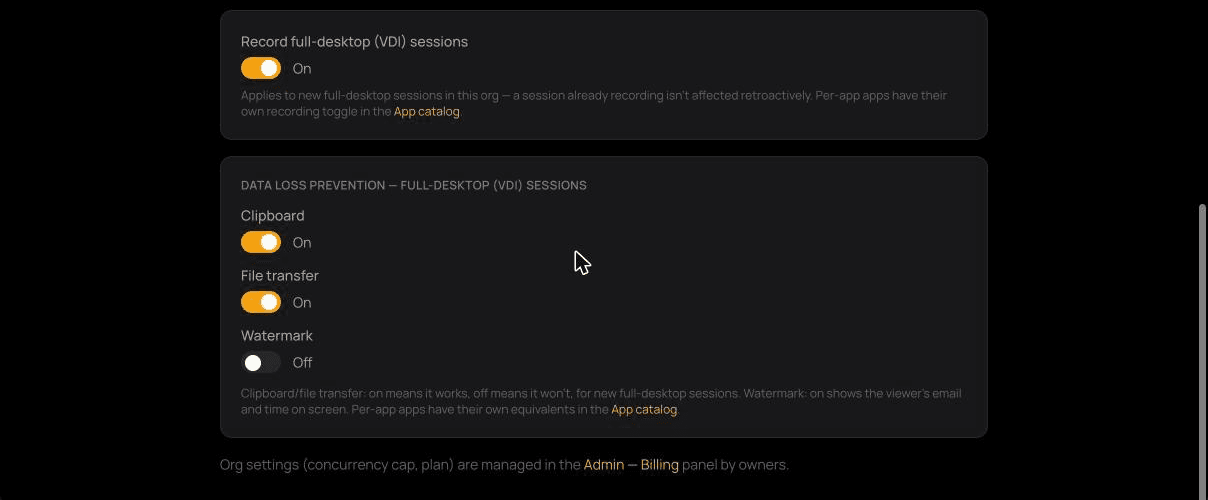
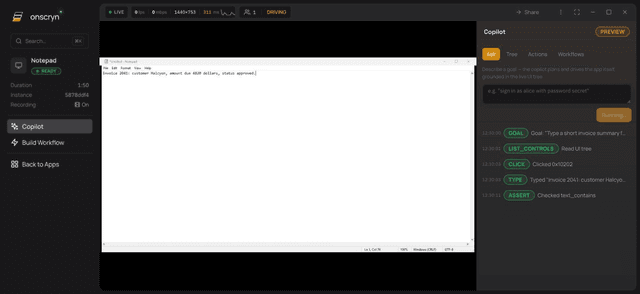
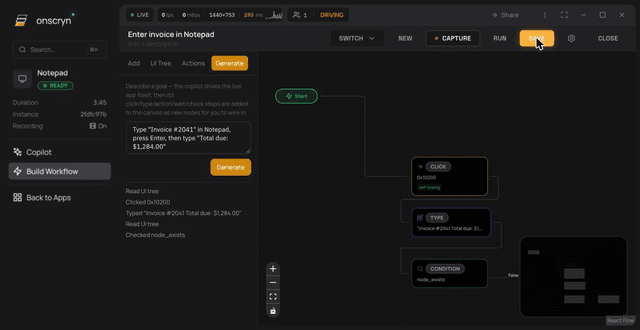
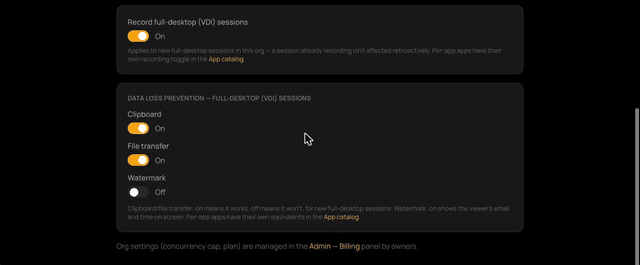
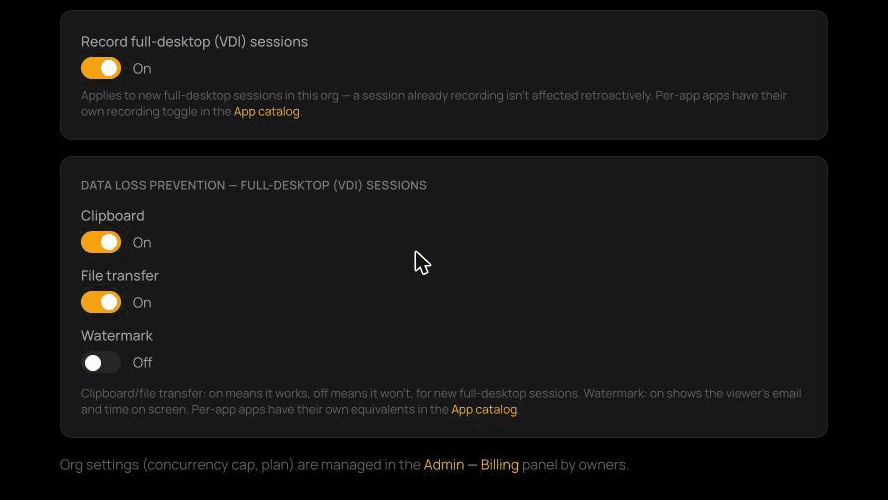
Enable recording per application, and separately for full-desktop sessions.
- 02
Work as normal
The stream is recorded as it runs and stored in object storage when the session ends.
- 03
Replay
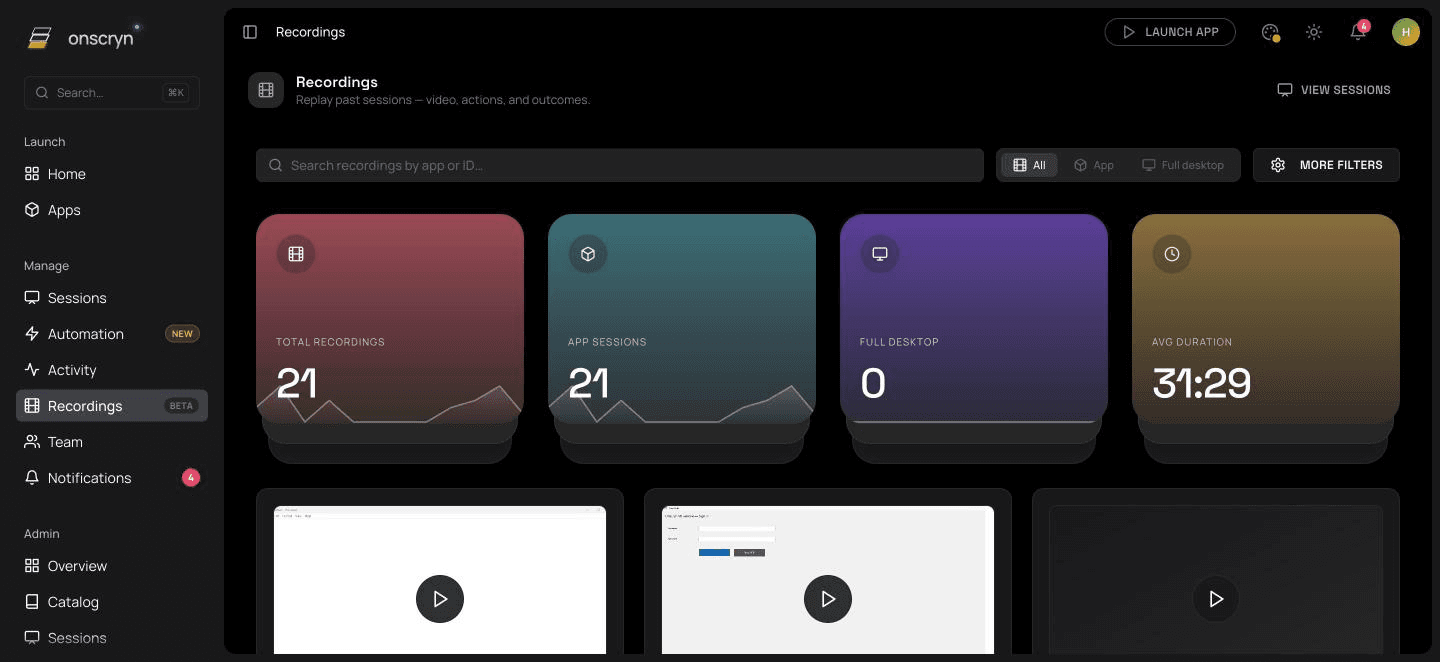
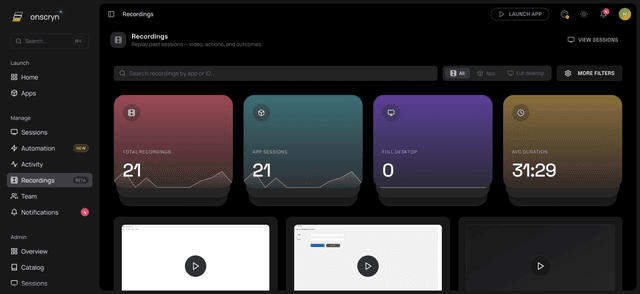
Open any recording from the library and play it back with seek and speed controls.
What it does.
Frame-for-frame replay
Recordings replay the exact frames that were streamed, with play, pause, seek and playback speed.
Per app and per organization
Choose which applications are recorded, with a separate organization setting for full-desktop sessions.
A browsable library
Search recordings by app or ID and filter between application and full-desktop sessions.
Automation on the record
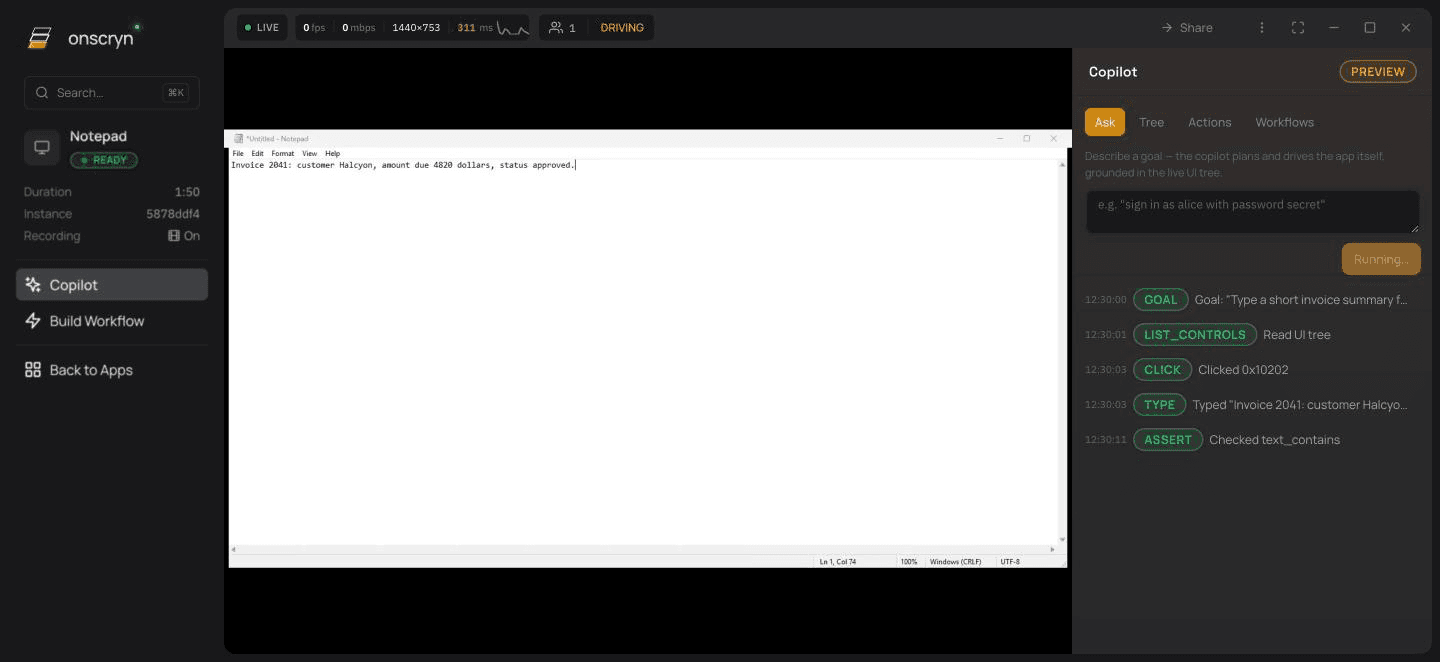
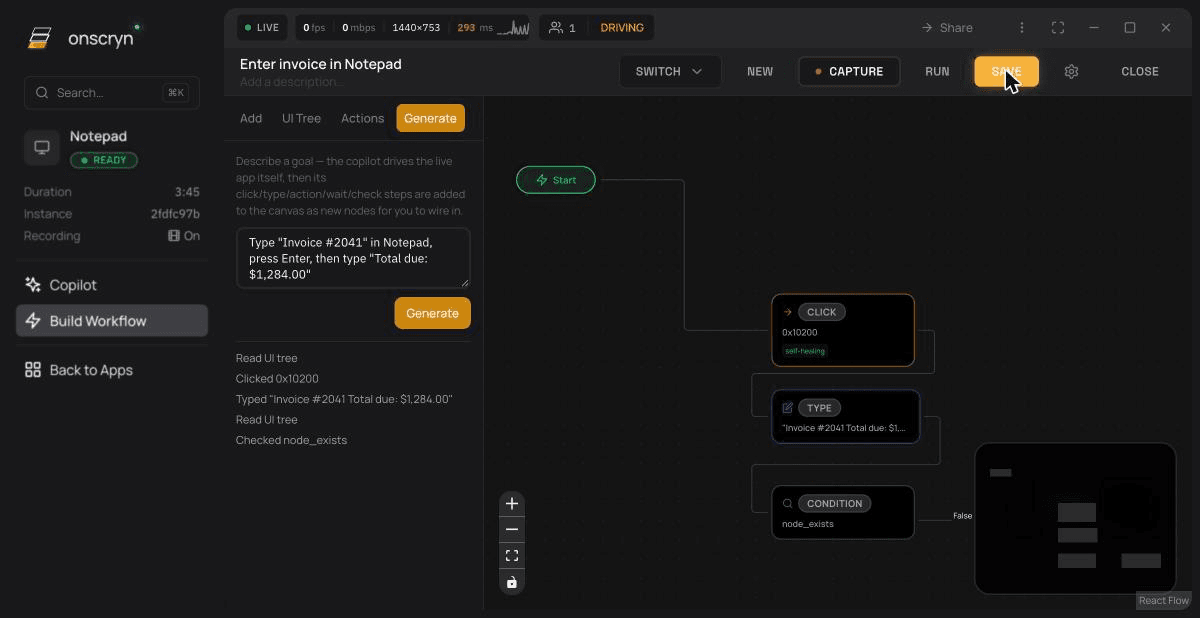
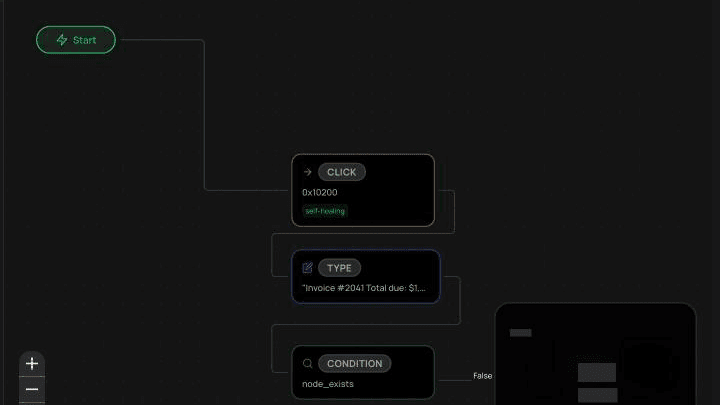
Sessions driven by the Copilot or a workflow are recorded like any other, so you can watch what happened.
Short-lived replay links
Playback is served straight from storage through a signed link that expires shortly after it's issued.
Related guides
How to run a Windows app in a browser
Windows software can't run natively in a browser, but it can run on a Windows host and stream to one. How that works, what you need, and where it falls short.
6 min readWhat is Windows application streaming?
Application streaming delivers a running app to a user's screen without installing it. What it is, how it differs from virtualization and remote desktop, and when to use it.
6 min readGive contractors access to one app without a VPN
A VPN gives network access when someone needs one application. How browser-based app access limits what contractors, vendors and temporary staff can reach.