Features/Data protection
Decide what leaves
the session
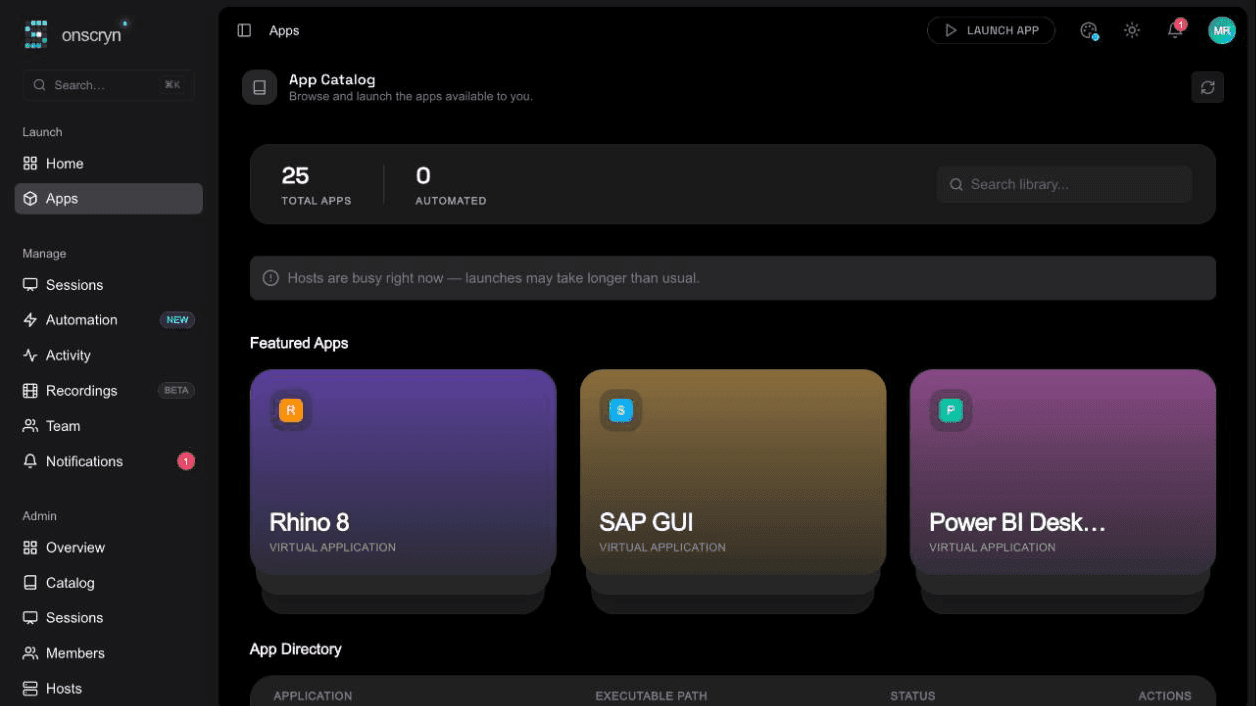
Allow or block the clipboard and file transfer, burn a watermark into the stream, and record sessions, all set per application and per organization and enforced by the broker that carries the stream.
- 01
Set the policy
Choose clipboard, file transfer, watermark and recording for each application, or for your organization's full-desktop sessions.
- 02
Launch
The policy is read when a session starts and applied to that session's stream.
- 03
Enforced on the wire
When something is blocked, the broker drops those messages. It isn't just hidden in the interface.
What it does.
Clipboard control
Allow or block copy and paste between the session and the user's device.
File-transfer control
Allow or block uploading and dropping files into the session.
Watermark in the pixels
Show the viewer's email and the time across the stream. It's drawn into the frames themselves, so a photo of the screen carries it.
Recording
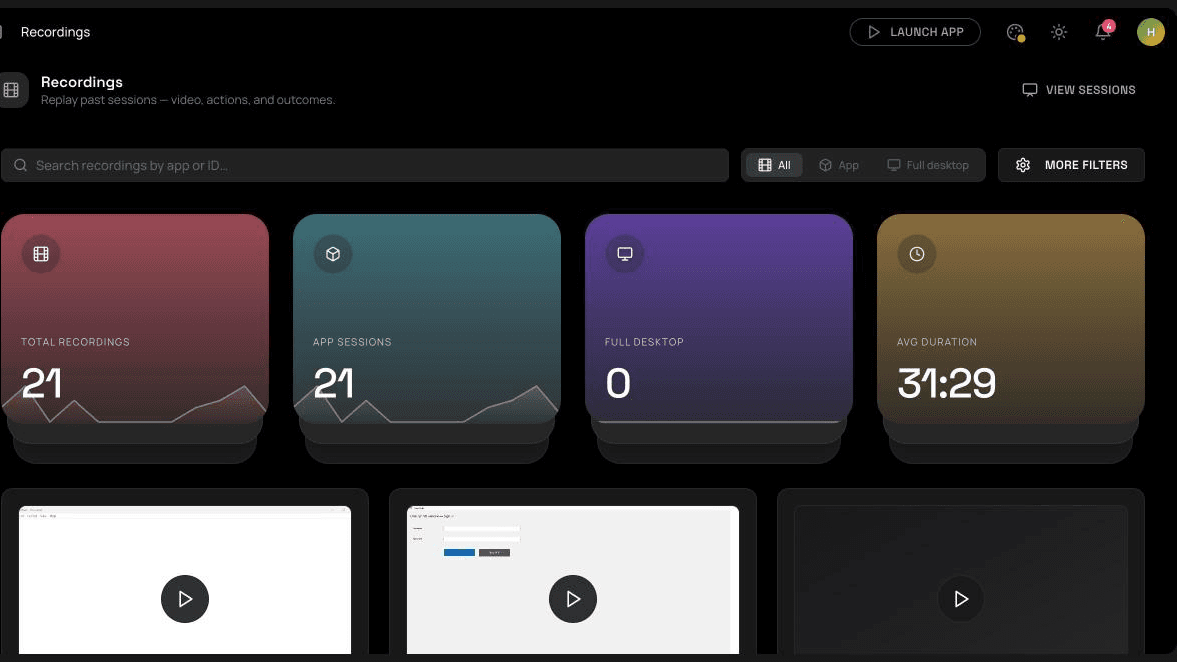
Keep a replayable record of sessions, per application or organization.
Application and organization scope
Every setting exists per application, with organization-level equivalents for full-desktop sessions.
Related guides
How to run a Windows app in a browser
Windows software can't run natively in a browser, but it can run on a Windows host and stream to one. How that works, what you need, and where it falls short.
6 min readWhat is Windows application streaming?
Application streaming delivers a running app to a user's screen without installing it. What it is, how it differs from virtualization and remote desktop, and when to use it.
8 min readApplication streaming vs VDI: how to choose
A practical comparison of streaming individual Windows apps and running full virtual desktops: users, cost drivers, management, security and when each fits.