Features/Infrastructure
Run it on your own
Windows hosts
Enroll your own Windows machines to run your sessions, choose how powerful they are for which users and apps, and watch fleet health from one page.
- 01
Enroll
Create an enrollment token in the admin, then run the Onscryn agent on a Windows machine with it. Revoke tokens whenever you like.
- 02
Place
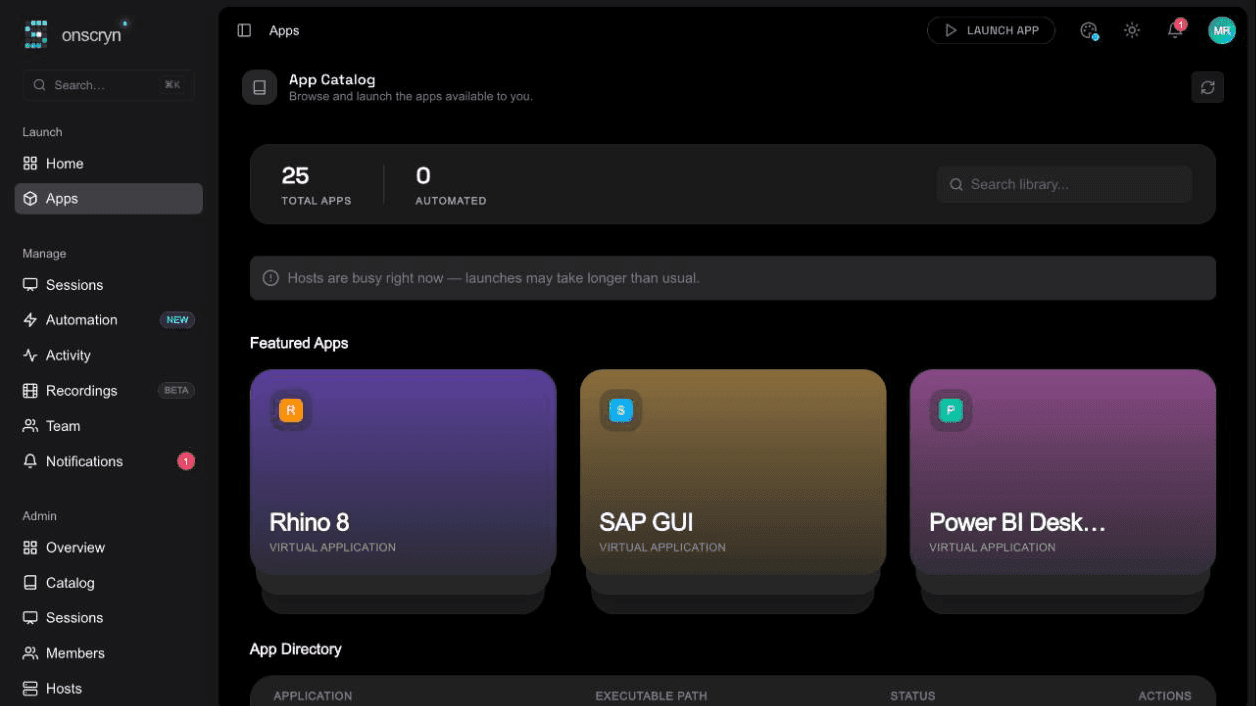
Sessions are placed on hosts with spare capacity: your own hosts first, then the shared pool if yours are full.
- 03
Watch
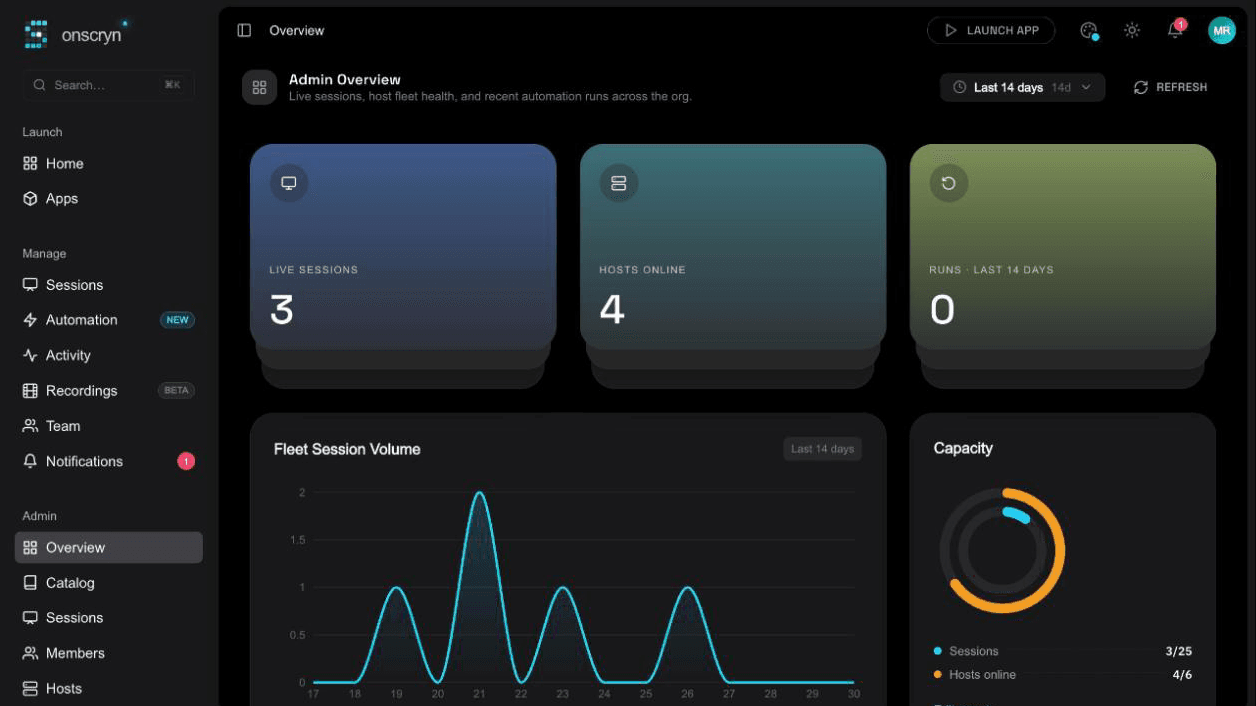
See which hosts are online and how session volume looks across the fleet.
What it does.
Bring your own hosts
Enroll Windows machines you run, with token-based enrollment you control and can revoke.
Capacity-aware placement
A scheduler tracks capacity and places each session where there's room.
Compute classes
Give hosts a performance class and assign higher classes to the users and apps that need them.
A warm pool
Keep sessions pre-provisioned so launches are quicker.
Fleet health at a glance
Hosts online, session volume and live sessions are on the admin overview.
Self-service and org-scoped
Admins manage their own organization's hosts and nothing else.
Related guides
How to run a Windows app in a browser
Windows software can't run natively in a browser, but it can run on a Windows host and stream to one. How that works, what you need, and where it falls short.
6 min readWhat is Windows application streaming?
Application streaming delivers a running app to a user's screen without installing it. What it is, how it differs from virtualization and remote desktop, and when to use it.
8 min readApplication streaming vs VDI: how to choose
A practical comparison of streaming individual Windows apps and running full virtual desktops: users, cost drivers, management, security and when each fits.