Features/Automation
Automate the apps
that have no API
Build a workflow by working in a live session, then run it on a schedule, from a webhook or on demand, with a run history for every execution.
run #218 / no LLM call
- 01
Build
Open the builder in a live session, pick elements straight from the UI tree and connect steps on a canvas.
- 02
Trigger
Run it on a cron schedule, from a webhook URL, or with Run now.
- 03
Review
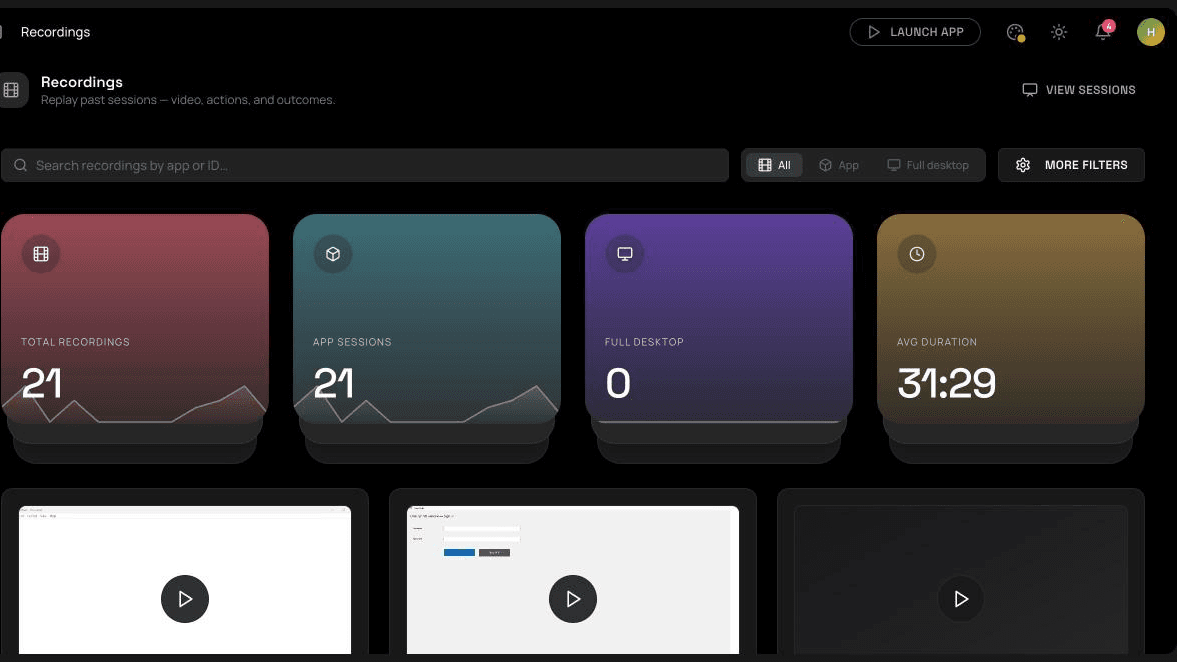
Every run is recorded in the run history, so you can see what ran, when and with what result.
What it does.
A visual graph builder
Click, type, run a named action, wait, branch on a condition, extract text and set variables, laid out as a graph.
Schedules and webhooks
Cron schedules for recurring work and webhook endpoints for anything that needs to trigger it from outside.
Variables, loops and error handling
Carry values between steps, repeat steps over items, and decide what happens when a step fails.
Selectors that recover
When a control can't be found the first way, the engine tries fallbacks before failing the run.
Capture from the Copilot
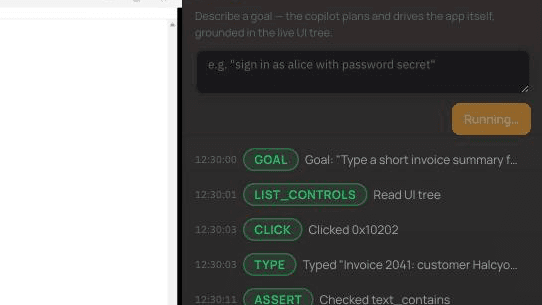
Let the Copilot do a task once, save it, and replay it as a workflow with no language-model call.
Run history and audit
Every execution is logged, alongside the rest of your account's audit trail.
Related guides
Give contractors access to one app without a VPN
A VPN gives network access when someone needs one application. How browser-based app access limits what contractors, vendors and temporary staff can reach.
8 min readAutomating a legacy Windows app that has no API
When the only way into an application is its screen, UI automation is the answer. How the UI tree works, how it differs from screen scraping, and what makes automation reliable.
7 min readPreventing data from leaving a remote session
Clipboard, file transfer, screenshots and photos: where data leaks from remote application sessions, and the controls that help, including broker-level policy and watermarks.