Give contractors access to one app,
without a VPN.
A VPN answers the question 'can this person reach our network?' Most of the time the real question is 'can this person use that one application?' Those are very different levels of access, and handing out the first to get the second is where problems start.
Why a VPN is often too much
A VPN puts a device on your network. Even with careful segmentation, that is far more reach than a contractor needs, and it relies on their laptop being in good shape.
It also comes with practical overhead: client installs, configuration, support tickets and the question of what to do when the engagement ends.
What browser-based access looks like
The person opens a link, signs in, and sees the application in a tab. Their device never joins your network. The application runs on a Windows host you place where you choose, so what it can reach is up to you.
Controlling what leaves
With the data held on the host, you can set policy on the stream itself.
- Block or allow the clipboard and file transfer, per app and per organization.
- Burn a watermark with the viewer and time into the streamed pixels. It deters photos of the screen but can't stop one being taken.
- Share a session with a viewer-only link so someone can watch without driving.
Taking access back
Identity is checked against a token version on every request. Demote or remove someone, and their next request is refused. Streams also need a valid ticket for the exact session, and the broker closes connections without one.
A record of what happened
Sessions can be recorded and replayed, which is in beta, and an audit log records account and admin activity. Together they give you something to point at after an engagement.
What a VPN leaves open
Even a well-segmented VPN depends on the device on the other end. If a contractor's laptop is compromised, it is a compromised machine with a path into your network. You are trusting a device you do not manage.
With a stream, the contractor's device never joins your network. The most it can do is display pixels and send input to one session, which is a much smaller thing to trust.
Setting up access for an engagement
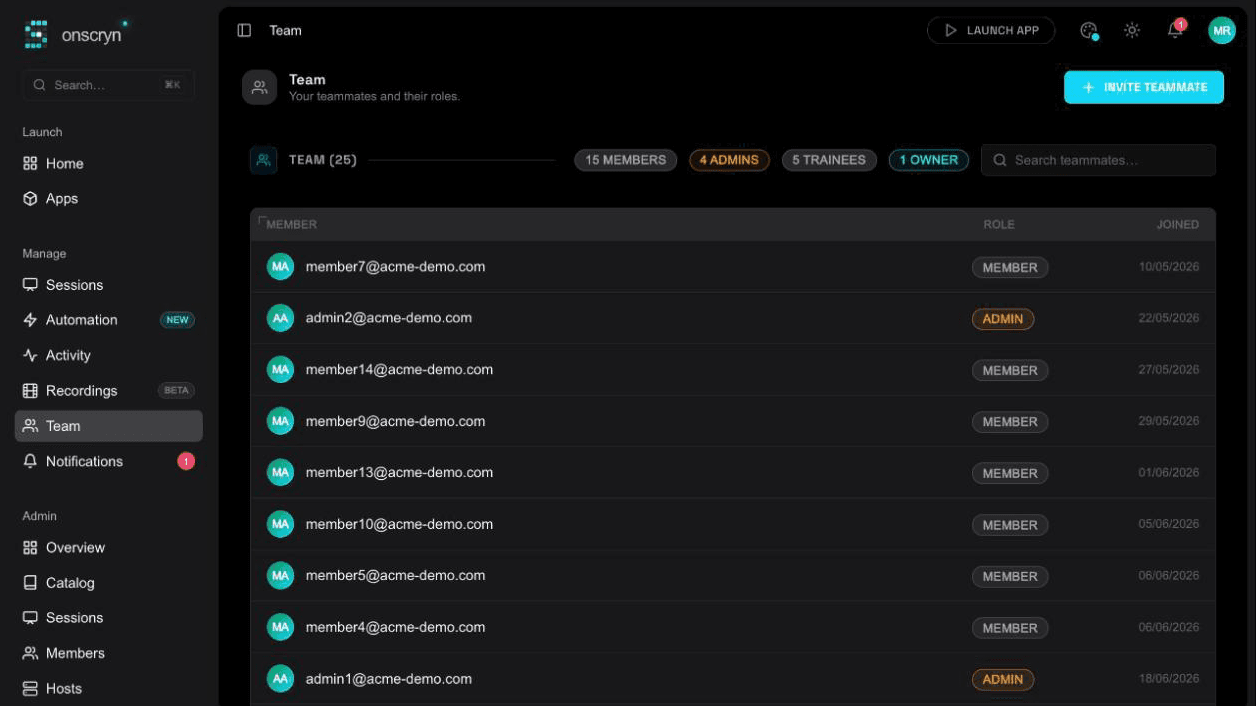
Create or invite the person into your organization with the role that fits: a member to use the app, or a viewer to watch someone else's session. Give them the app they need and nothing else. If you use SSO, they sign in with their identity provider.
For work that should be observed, turn on recording and the watermark for that app. For a short engagement, share a session link with its own expiry instead of creating an account at all.
Ending the engagement cleanly
When the work is finished, remove the person or change their role. Their next request is refused, so there is no window while a token runs out. Any sessions that remain are ended, and the per-session Windows account is removed or scrubbed.
There is nothing to uninstall and no network access to revoke, because there never was any. The recording and the audit log remain as your record.
Where a VPN is still the right tool
A VPN is better when someone really does need network-level access, such as an engineer working on servers. The point is not that VPNs are bad. It is that most contractors need an application, and giving them a network is more than the job requires.
Illustration
A worked example
Imagine an external auditor who needs to look at records in a legacy finance system for two weeks. Under a VPN, you would issue credentials, install a client on their laptop and open a route to the finance network.
Instead, you give them a viewer or member role for that single application, with the watermark on and recording enabled. They open a link and work in a tab. On the last day you remove them, and their access ends on the next request. You keep a recording of everything they looked at.
Checklist for giving a contractor access
- Which single application do they need?
- Which role fits: member to work, or viewer to watch?
- Should the clipboard and file transfer be blocked for this app?
- Do you want the watermark and recording turned on?
- Is there an end date, and who removes access on it?
- Where does the host sit, and what can it reach on your network?
Related features
Questions.
For reaching a specific application, it can. What the Windows host itself can reach depends on where you place it.