Features/Team & access
Bring the whole team,
with the right access
Invite people by email, give each a role, and decide where they land. Sign in with your identity provider or with email and password, and take access away in one step.
- MRMorgan ReyesOwner
- AOAda OkaforAdmin
- JWJonas WeberMember
- PNPriya NairMember
- SWSam WhitlockViewer
- LHLena HoffmannMember
- 01
Invite
Invite teammates by email and choose a role for each. Pending invites are managed in one place.
- 02
Sign in
People accept the invite and sign in with your identity provider, or with email and password.
- 03
Land
Members who aren't admins can go straight into a default application instead of the catalog.
What it does.
Roles you can reason about
Owner, admin, member and viewer, scoped to your organization. Only an owner can grant or revoke the owner role, and the server enforces it.
Single sign-on
Connect your identity provider over OIDC or SAML. List your email domains and people from them get an account the first time they sign in with SSO.
Everyday account flows
Email verification, password reset and invite acceptance are built in, so you aren't resetting passwords by hand.
A default application
Send members without admin access straight into the application they need when they sign in.
Access ends when you say so
Remove someone or change their role and their very next request is refused. Nothing waits for a token to expire.
Team directory and notifications
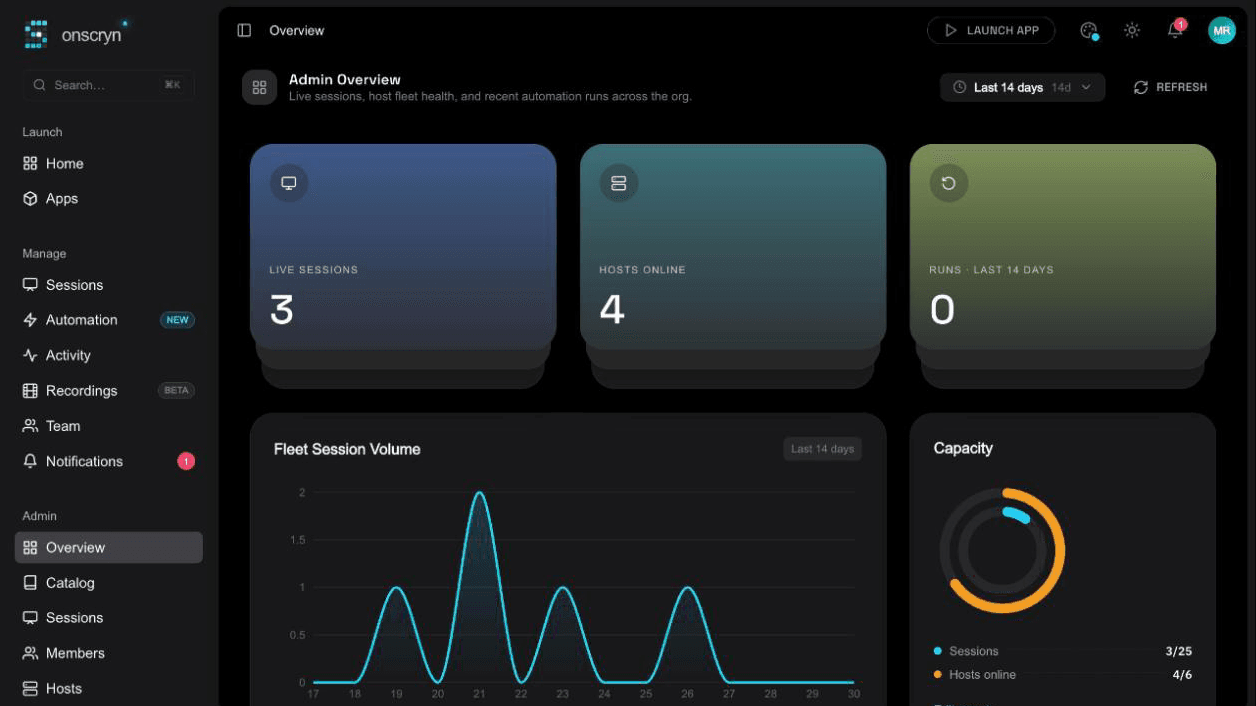
See your teammates and their roles, and follow what's happened across the org: session outcomes, invites and alerts.
Related guides
What is Windows application streaming?
Application streaming delivers a running app to a user's screen without installing it. What it is, how it differs from virtualization and remote desktop, and when to use it.
8 min readApplication streaming vs VDI: how to choose
A practical comparison of streaming individual Windows apps and running full virtual desktops: users, cost drivers, management, security and when each fits.
6 min readGive contractors access to one app without a VPN
A VPN gives network access when someone needs one application. How browser-based app access limits what contractors, vendors and temporary staff can reach.