What an audit trail for a legacy app actually needs
Old programs were built before anyone asked 'who did that?'. You can add the answer around them, without touching the code.
By the Onscryn team · November 1, 2026 · 8 min read
Some day, someone will ask what happened to a record. A figure changed. A file was exported. A setting was altered the week before an audit. If the program involved is old, there is a good chance the honest answer is: we cannot tell.
That is not negligence. Many legacy applications were written for a world where a handful of known people used them on a trusted network. Nobody asked who did what, so the program never wrote it down.
Four questions a trail must answer
Who is the hardest, and the one legacy apps get most wrong. A shared login called 'accounts' or 'admin' tells you nothing. A real identity, tied to your identity provider, is the foundation: without it every other question has no subject.
What is the action. For an old program this is often the part you cannot get from the program itself. It may not log individual changes at all.
When is simple until you try to line up a log with a recording with a ticket. Consistent, trustworthy timestamps are what let a reviewer move between the three.
Where is the host and session. In a world of shared machines, knowing that something happened 'on the server' is not enough. You want the specific session.
You can add it around the app
Here is the useful part. You do not have to change the application to get a trail. If every person reaches the program through a controlled front door, that front door can record the answers the program cannot.
It knows who signed in, because it did the sign-in. It knows when a session started and ended and on which host. And if you record the session, it has the one thing logs never capture well: what the screen actually showed, and what the person actually did.
Log versus recording
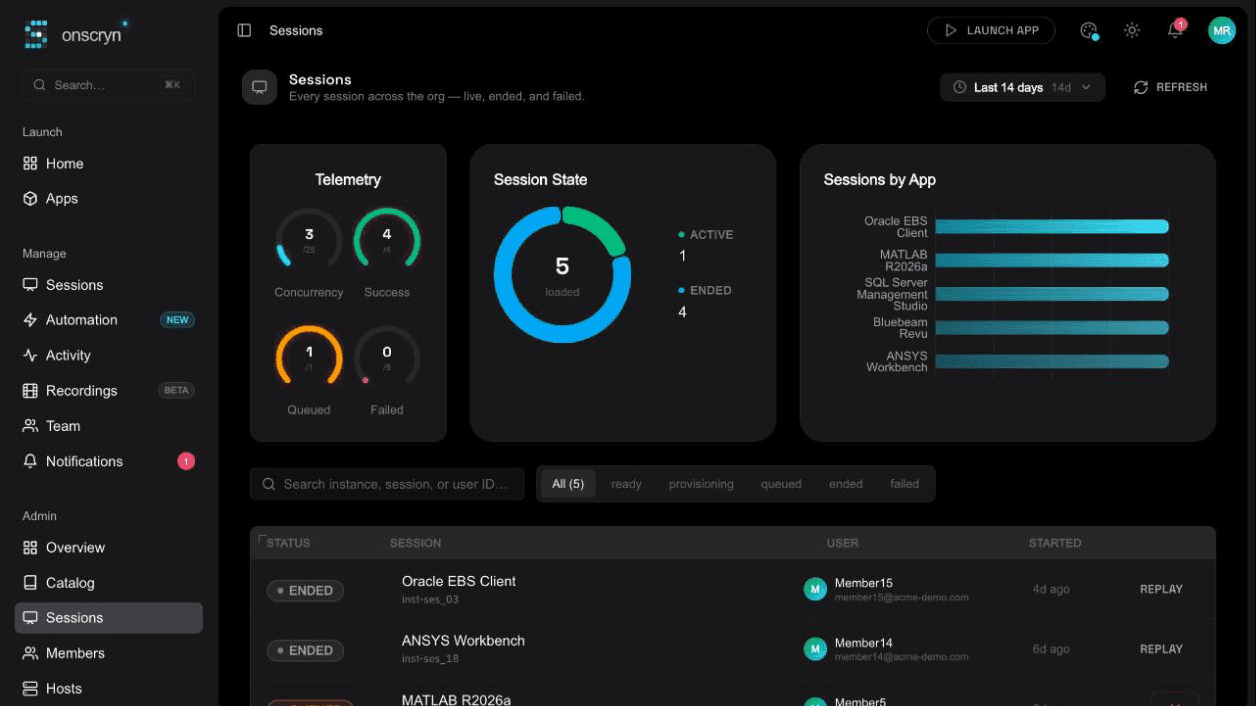
They do different jobs, and you want both. The log is compact and searchable: it tells you which session to look at. The recording is the evidence: it shows what happened in that session, including by an automated run or an assistant acting for someone. Think of the log as the index and the recording as the page.
Decide before you record
Screens contain personal and confidential information, so recording is a policy decision before it is a technical one. Settle who is told, which applications are in scope, who may watch recordings and how long they are kept. A trail people understand is easier to defend than one they find out about later.
- Tell people what is recorded and why, in plain words.
- Limit who can open recordings, and review that list.
- Turn recording off for applications where it is not needed.
- Keep the audit log of account and admin changes alongside it.
If you cannot answer 'who did that?' about your oldest application today, that is not a verdict on the program. It is a prompt to put a better door in front of it.