Put your Windows desktop product
in the browser, no rewrite.
If you sell a Windows desktop product, the same requests keep arriving: can it run on a Mac, can it run without an installer, can the customer's accountant open it? A full rewrite to the web is the answer everyone wants and few can afford. There is a middle path: run your existing product on Windows hosts and stream it to a browser.
By the Onscryn team · Published · 7 min read
The rewrite you cannot afford
Products written in Delphi, VB6, WinForms, PowerBuilder or similar tools often hold years of business rules that nobody wants to reproduce. The customer asks for a browser version, the team scopes a rewrite, and the estimate is measured in years. Meanwhile each customer's IT team tangles with installers, runtimes and database clients, and every support call starts with 'what is installed on your machine?'
Stream the product you already have
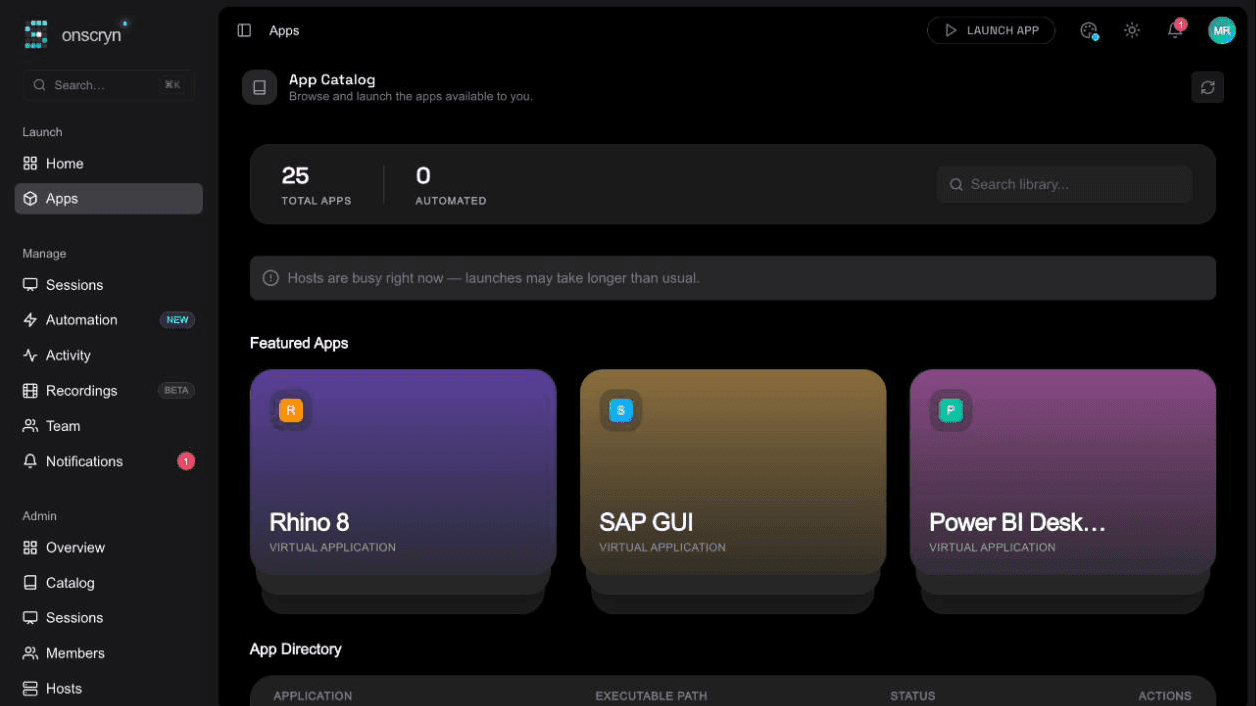
Run your application on Windows hosts and stream it to a browser tab. Customers open a link and use your product without installing anything. It works on a Mac or a Chromebook, and updates happen once, on the host, instead of on every customer machine.
The product itself is unchanged, so this is closer to a deployment decision than a development project. You can start with one customer and one host and widen from there.
Make it feel like your product
Software vendors usually want the result to look like their own offering, not a third party's:
- White-label with your own domain and branding, so customers see your name.
- Sign-in with SSO (OIDC and SAML), roles, and instant removal of access.
- Data controls, such as turning clipboard and file transfer off for a customer who needs that.
- Session recording and an audit log, which customers in regulated industries often ask for.
- Separate organizations for different customers, each with their own members and apps.
Go beyond a remote screen with the SDK
A streamed screen is the starting point. If you control the product's code, the SDK lets it expose named actions, files and printing to the platform, so the browser experience and automation can work with it directly rather than through the pixels. Our guide on choosing between the SDK and generic capture explains the trade-off, and the guide on building a Windows app for browser streaming covers the design side.
Not every product needs this. Plenty of vendors will start with generic capture and move to the SDK later for the screens where it matters.
Questions to settle first
A few honest checks before you sell this to customers:
- Licensing: your own terms and any third-party components must allow the product to run on hosts for several customers. Check your agreements.
- Hosting model: customers connect hosts they own, or you run hosts for them. Plan which, since it affects who carries the Windows and infrastructure cost.
- Hardware: products that depend on devices plugged into the user's own computer, or that lean heavily on the GPU, are harder to stream.
- Performance: test over your customers' real connections, not your office network.
A first step
Pick your most requested customer, set up one host, and publish the product to them. The 14-day free trial needs no card. If you want to see what a streamed Windows app feels like first, the live demo runs a real Windows application in your browser with no account.
Related features
Questions.
No. It runs as the normal Windows program. You can optionally use the SDK later for tighter integration.