Record and audit
remote app sessions.
When people use sensitive applications through a browser, you have a natural place to keep a record of what happened. Done well, recordings answer 'what did they do?' without anyone having to remember.
What recording is good for
- Audit: a record of what was done in a regulated or sensitive application.
- Training: show new people how an experienced colleague does a task.
- Incident review: work out what went wrong without relying on memory.
- Automation: see exactly what a workflow or the Copilot did.
How it works in Onscryn
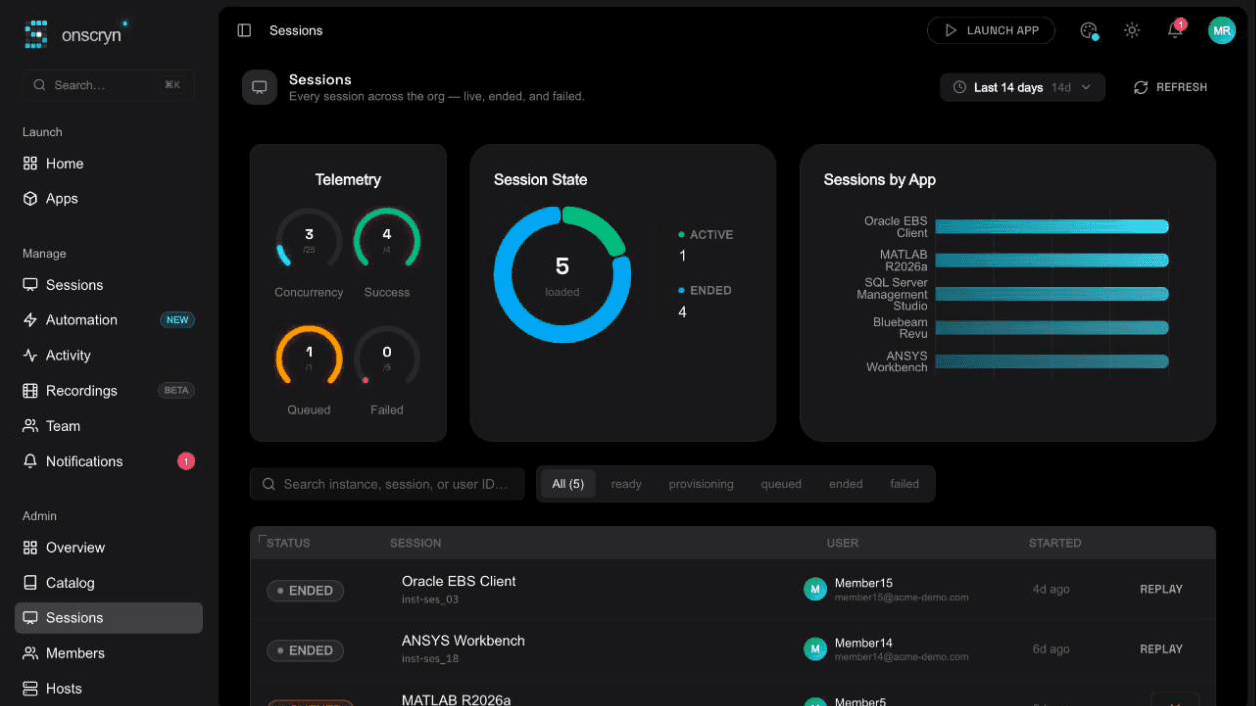
Sessions can be recorded and played back from the dashboard, with a timeline and thumbnails. Recording can be switched off for individual apps, and recordings can be filtered by person and app. Recording is in beta, and it is plan-dependent.
Settle the people questions first
A recording of a screen can contain personal and confidential information. Before enabling it, decide who is told, who can watch recordings, how long they are kept and which apps are in scope. A recording policy that people understand is easier to defend than one they discover later.
Combine it with the audit log
Recordings show what happened inside a session. The audit log records account and admin activity around it, such as who changed a role. You usually want both.
What a good recording lets you do
A useful recording is more than a video. You should be able to find a session by person and application, scrub to the moment you care about, and see enough detail to understand what happened. Thumbnails and a timeline make a long session quick to skim.
Recording automation too
Recordings can include what the Copilot or a workflow did on someone's behalf. That is useful for review: if an automated run does something unexpected, the recording shows the exact steps. It also builds confidence, because you can check the first runs before you trust the rest.
Retention and access
Decide in advance how long recordings are kept and who can open them. Recordings can hold sensitive screens, so treat them with the same care as the data in the application. Limit viewing to the people who need it, and remove them when they no longer do.
Telling people
Be open about recording. People behave and cooperate better when they know what is recorded and why, and in many places you are required to tell them. A short, plain notice of what is recorded and who can see it goes a long way.
Illustration
A worked example
Imagine a record in a legacy system that was changed and nobody can say why. Without a recording, the answer is guesses and memory.
With recording on for that application, you search for sessions around that time, open the one from the right person, and watch the change happen. You also see what else they did in that session. The question is answered in minutes instead of weeks of argument.
Set up recording well
- Choose which applications to record, and switch it off where it is not needed.
- Decide who may watch recordings.
- Decide how long to keep them.
- Write the notice people will see.
- Test finding and replaying a session before you need to.
- Check recording is included in your plan, and note that it is in beta.
Related features
Questions.
Yes. Recording can be switched off per app.