Use Windows apps on a Mac,
Chromebook or iPad.
Plenty of work still depends on a Windows-only application, while the people who need it are on Macs, Chromebooks and iPads. You can run the app on a Windows machine and open it in a browser on whatever device they have, so nothing Windows-specific ever reaches the device.
By the Onscryn team · Published · 6 min read
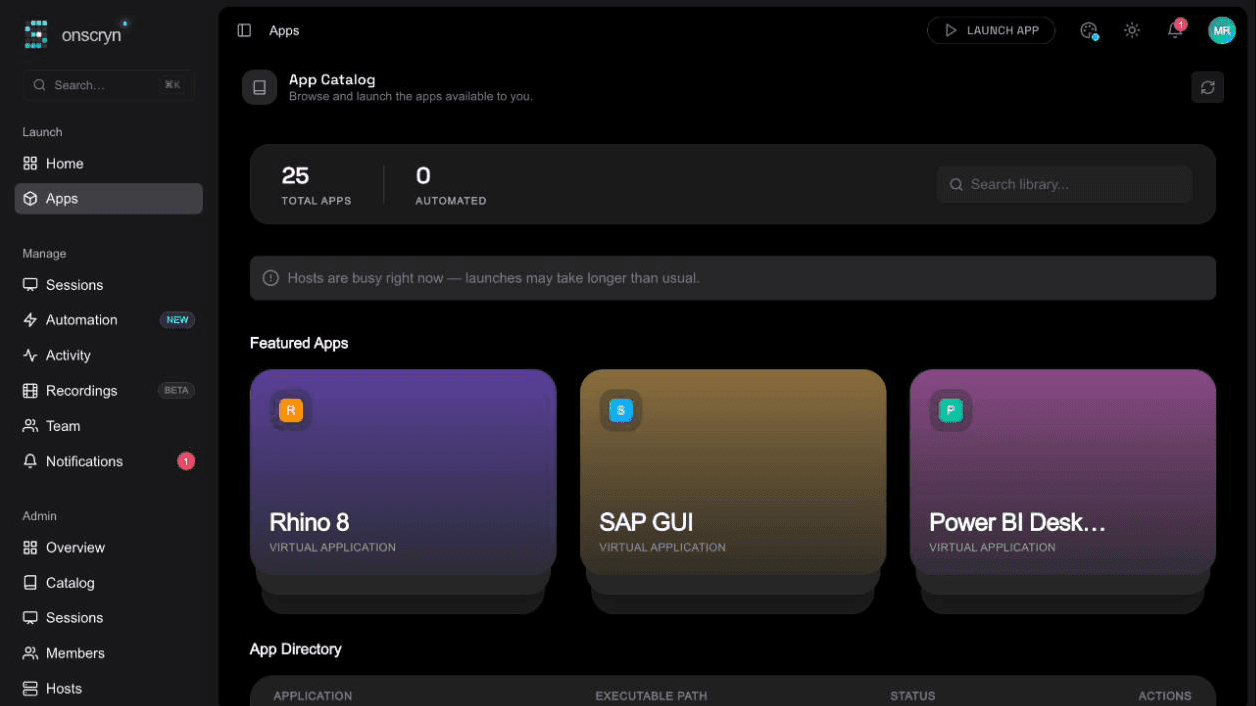
Why dual-booting and emulation are the wrong tools
The usual answers to a Windows-only app are a Windows laptop for everyone, a virtual machine on each Mac, or a compatibility layer. Each one puts Windows, and the app's updates and licences, on a device you then have to look after.
Streaming flips that around. The application stays on one Windows machine you control, and the browser shows its screen and sends back the mouse and keyboard.
What you need
Very little is needed on the device side.
- A modern browser on the Mac, Chromebook or iPad.
- A link to the app and a way to sign in, with single sign-on or an emailed invite.
- A Windows host that runs the application, which you set up once for everyone.
01
Your Windows server
The app runs here, in its own account for each session. Your files stay here.
02
Onscryn
Streams the app to the browser and applies your clipboard, file and watermark rules.
03
A browser tab
Shows the app and sends the mouse and keyboard back. Nothing is installed.
What it feels like on each device
On a Mac or Chromebook it behaves like any other web app: open the link, sign in, and the Windows application appears in the tab. Copy and paste and file upload work in both directions unless you have switched them off for that app.
On an iPad or other touch device there is an on-screen keyboard, but it is best effort. Windows software was designed for a mouse and a physical keyboard, so dense interfaces with small buttons are harder to use by touch. If the app is used on tablets every day, test it first.
What affects the experience
A few things decide whether it feels like a local app.
- Your network between the person and the host. A good connection feels responsive, and a poor one will not.
- How the app draws its screen. Classic Windows interfaces suit single-application streaming well. Apps that lean on the GPU can render poorly that way, and are better streamed as a full desktop.
- Image quality and tile format, which you can set per application to trade sharpness for bandwidth.
Keep control of the data while you are at it
Because the files stay on the Windows host, a personal Mac or a borrowed Chromebook never holds a copy. You can still decide whether copy and paste and file transfer are allowed, and add a watermark with the viewer's email and the time.
Related features
Questions.
No. Any modern browser can open a session from a link. There is no client, extension or VPN.