Recording and replay
4 min read
Recording keeps what appeared on screen during a session, so you can replay it later. It is labelled Beta in the product and depends on your plan, so read the limits below before you build a process around it.
Turn recording on
Recording is set per application and for the organization. In Admin, then Apps, each application has a recording switch. In Settings you can also choose to record full-desktop sessions. When recording is off for an app, new sessions of it are not recorded.
When the choice is made
Whether a session is recorded is decided when it launches. Changing the setting affects new sessions only. It does not start recording a session already running, and it does not stop one that is already recording.
Replay a session
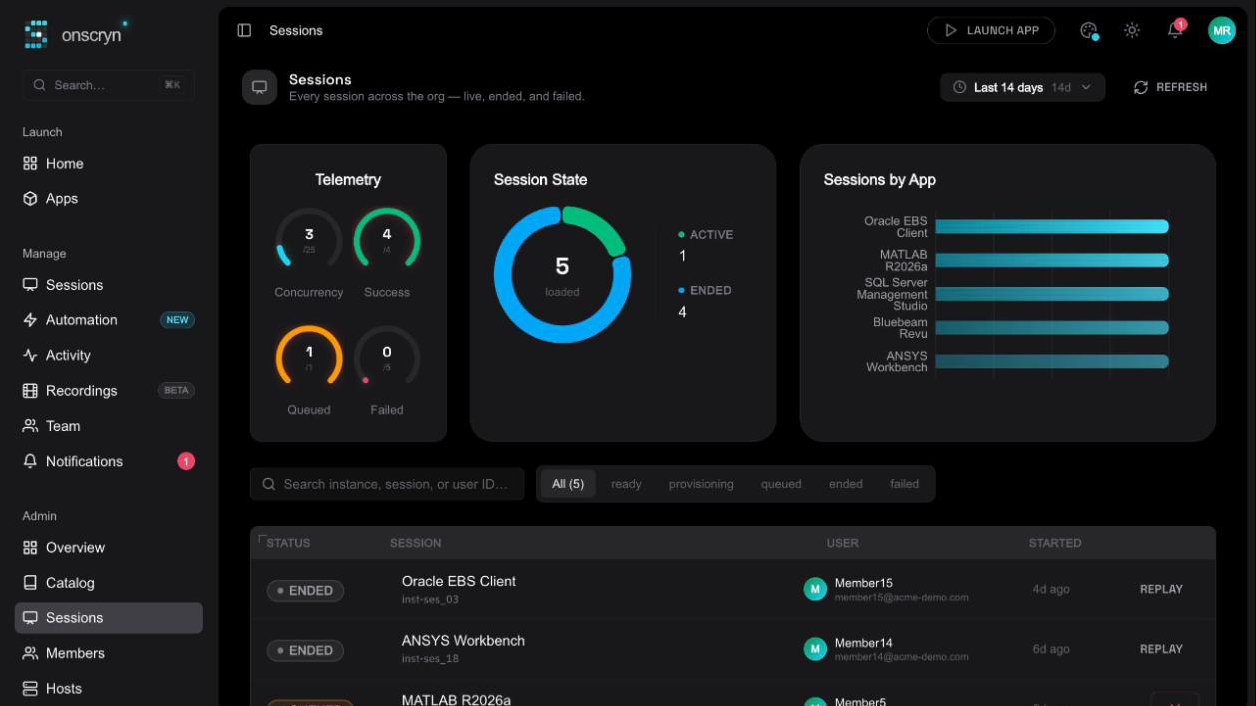
Recorded sessions appear in Recordings in the main navigation. Open one to replay it frame for frame. Recordings are stored in object storage, and replay is served through a short-lived signed link.
Tell people
A recording captures the screen, including anything a person types into a visible field. Decide who may replay recordings, tell the people being recorded, and keep it to the applications where it earns its place.